 Timeglass
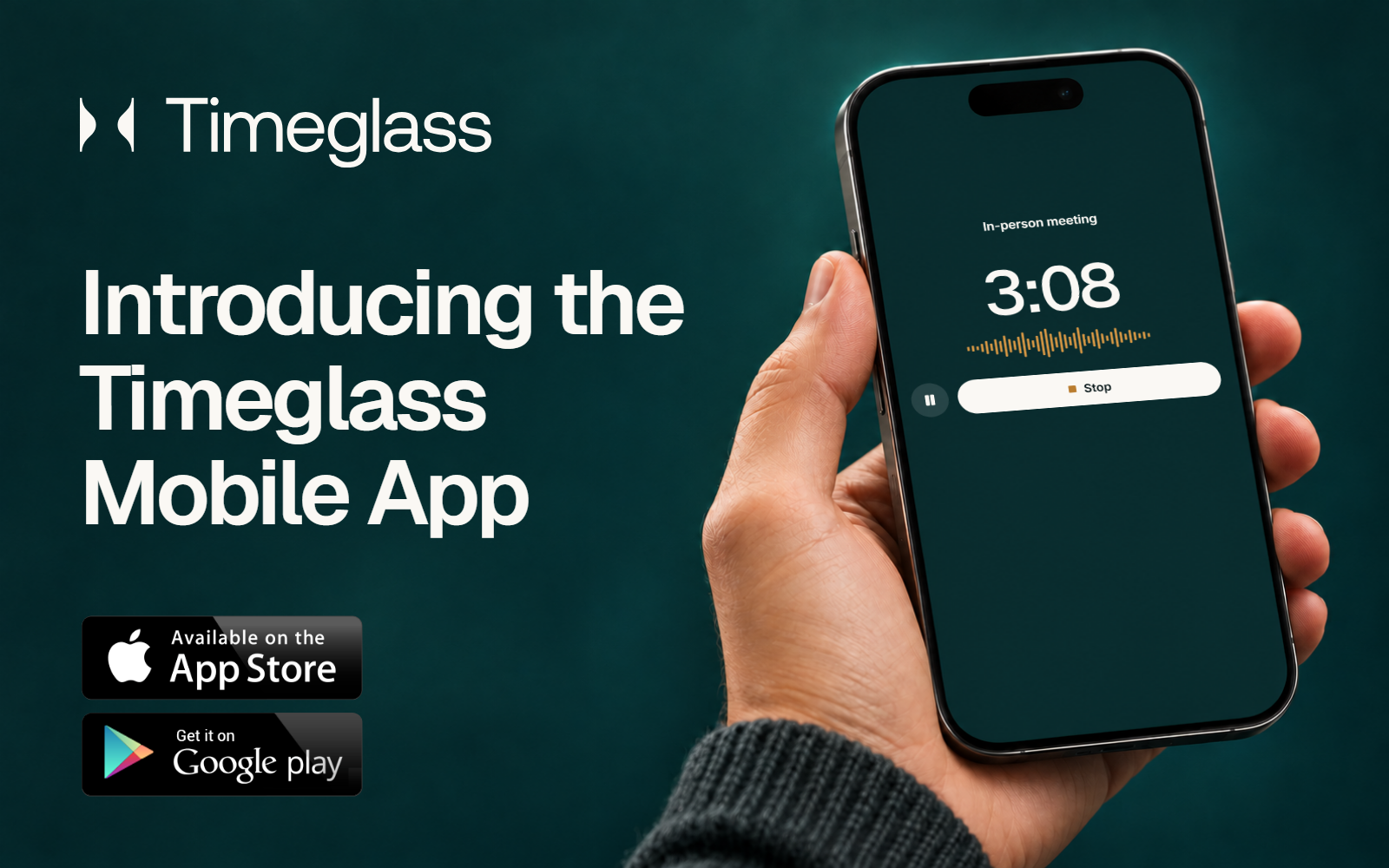
We’re excited to introduce the Timeglass mobile app for iPhone and Android. Our users have asked for a way to use Timeglass away from their computers, and our team has been looking forward to bringing it into our own workdays.
Context is central to how Timeglass records work. A useful record includes what happened, why it happened, and what needs to happen next. Many of those details come from in-person conversations during client meetings, site visits, and informal discussions.
The mobile app brings those conversations into Timeglass. Record a meeting from your phone, then return to its summary, transcript, and action items in the same workspace as the rest of your work. You can also add time for work completed away from a computer and review your day from your phone.
Don’t miss a conversation
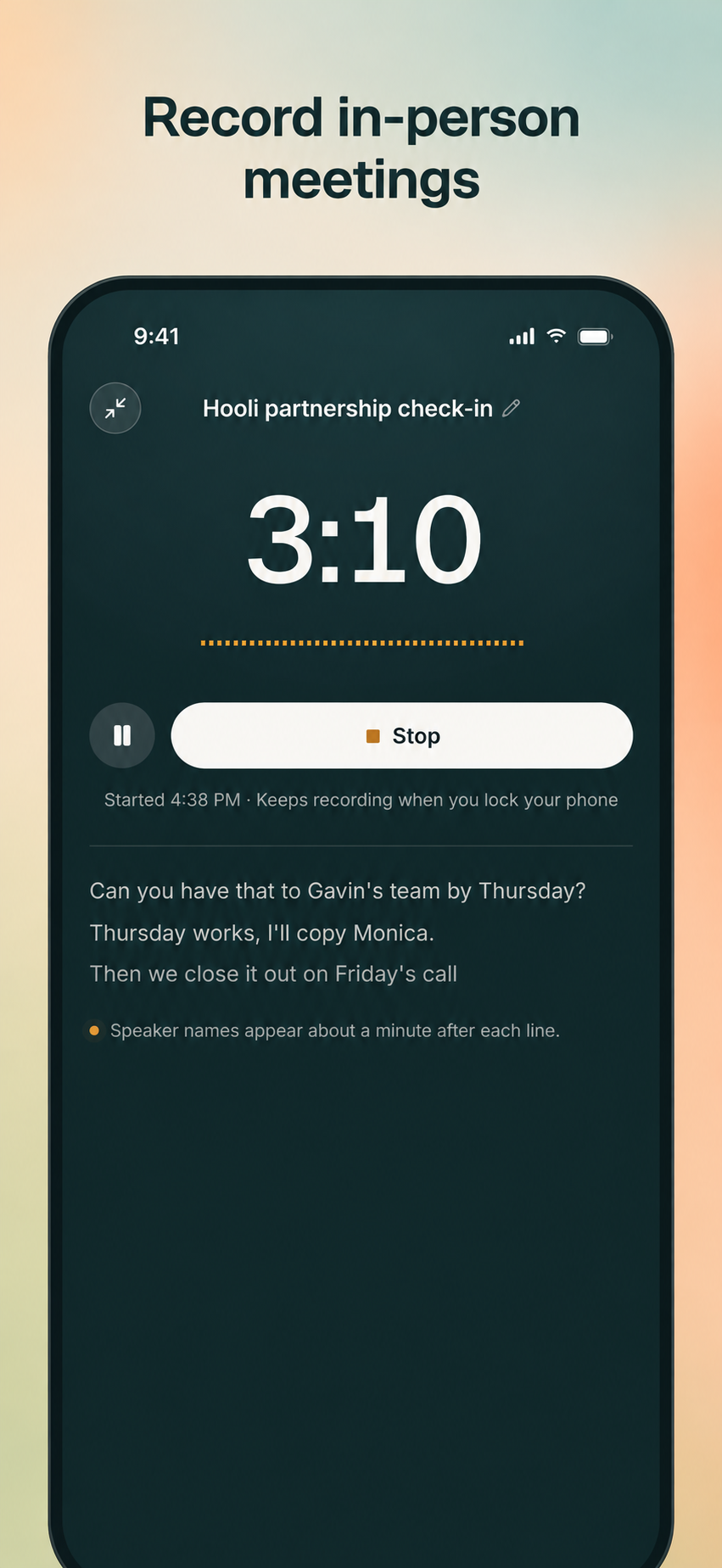
Start a meeting recording directly in the app. An active recording can continue with the screen locked, so your phone can remain on the table during the conversation.
After processing, Timeglass provides a summary, transcript, and action items. The meeting is available alongside recordings from your computer, making it easier to revisit requirements, check decisions, and prepare follow-up work.
This gives the conversation a lasting place in your work record, with the detail available when you need to return to it.
Work away from a computer belongs in your timesheet
When manual time entry is enabled for your workspace, you can describe your work by typing or speaking. Timeglass prepares proposed entries for you to review, including suggested client or project assignments.
Check the descriptions and durations, make any corrections, and save the entries. This provides a practical way to account for work on printed documents, preparation between appointments, and other activities completed away from your computer.
Your time records stay accessible throughout the day
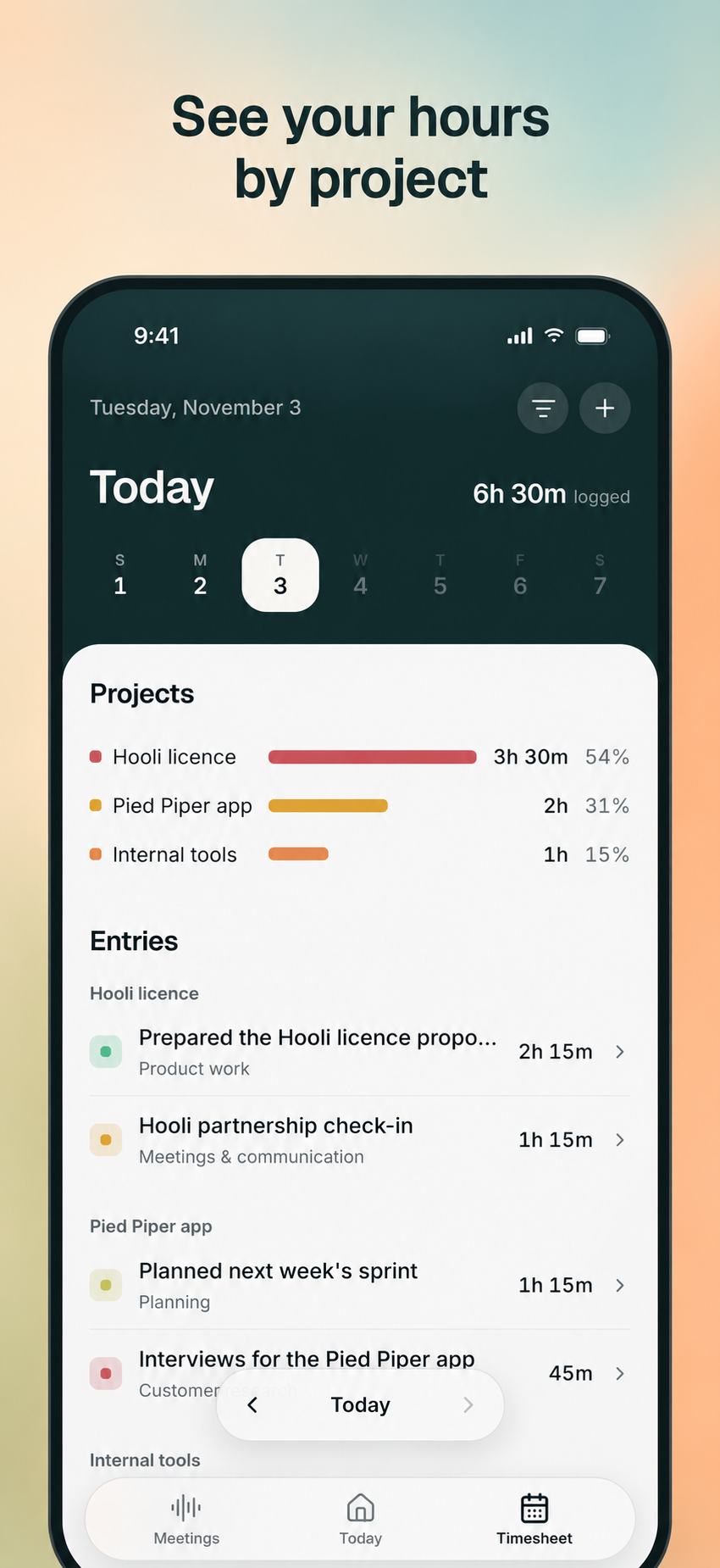
The Today and Timesheet views let you review logged time, return to earlier days, and check how your hours are assigned across clients and projects. You can edit entry details from your phone and keep the record current while the work is still fresh.
The mobile app uses your existing Timeglass account and workspace, connecting mobile access with the records you use on your computer.
Timeglass is available for iPhone and Android
Download the Timeglass mobile app from the App Store or Google Play, then sign in with your Timeglass account.
The app works with Timeglass on your Mac or PC. If you are new to Timeglass, create your account and set up the desktop app to get started.