Meetings
Share a meeting recording
Copy a private link to a meeting report, transcript, and recording.
Create a link when someone outside your workspace needs the meeting report, transcript, and recording.
- Open the meetingSelect Meetings in the main navigation, then choose the meeting you want to share.
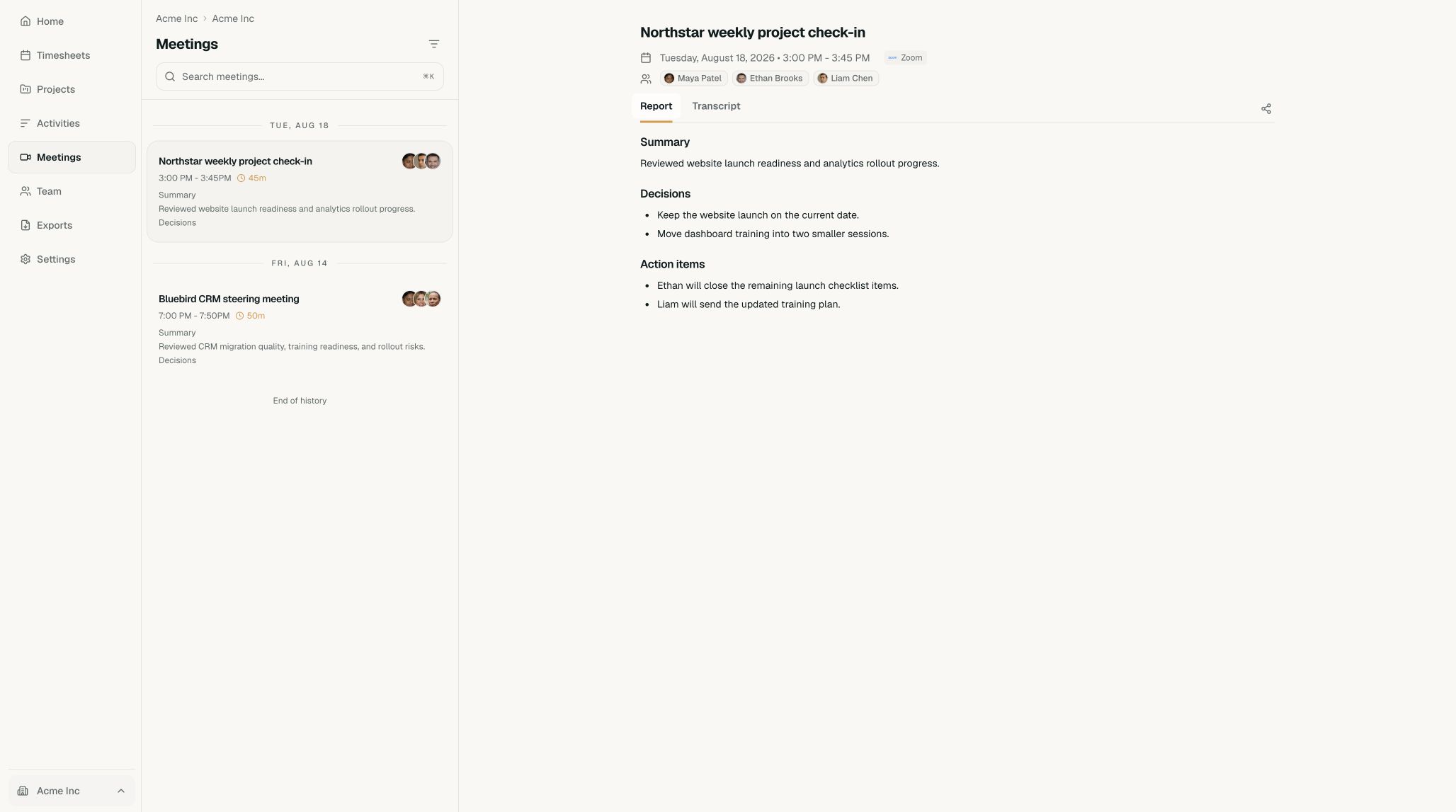
Check the meeting title and date before sharing it. - Open sharingSelect the share icon near the meeting report. Timeglass creates a private link with an expiration date.
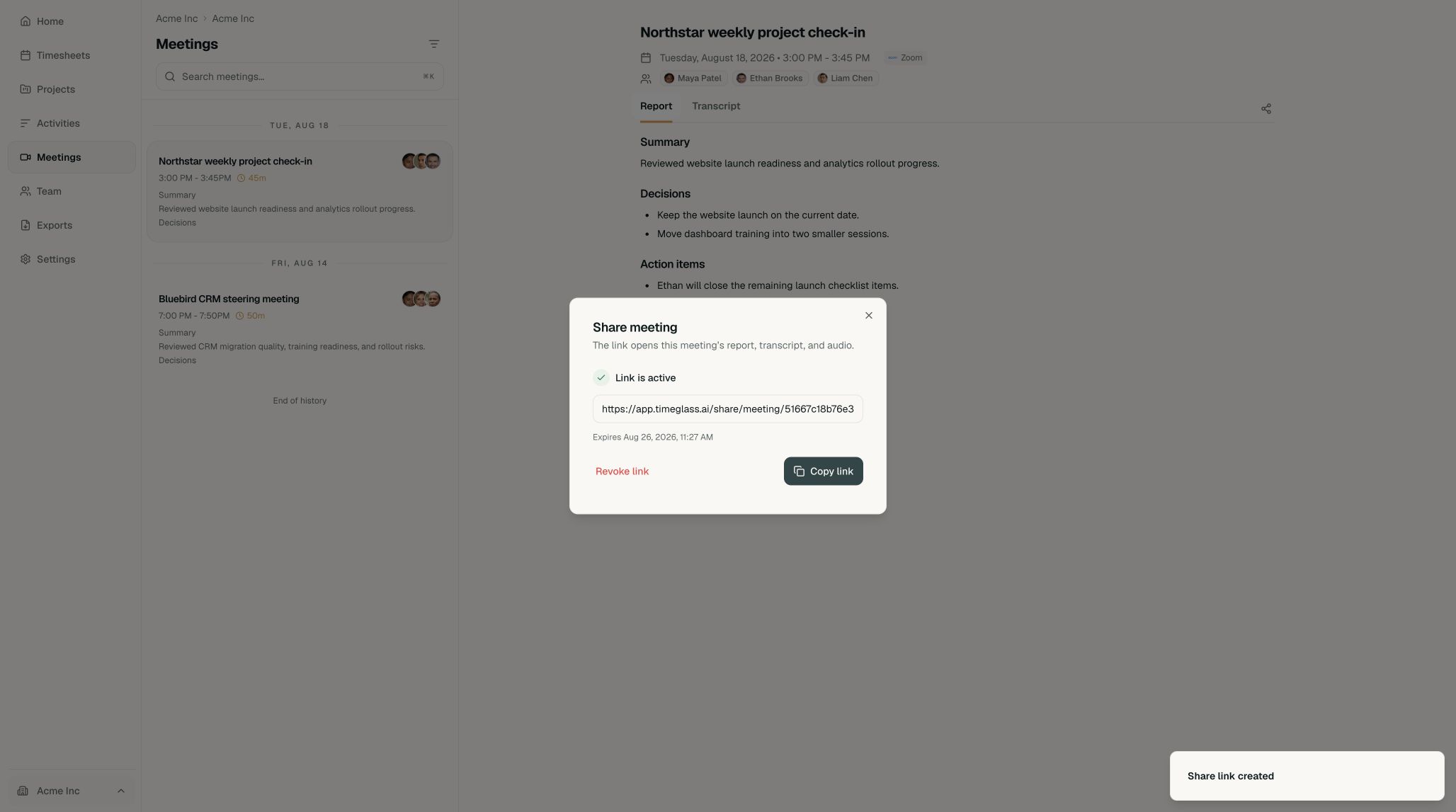
The dialog shows whether the link is active and when it expires. - Copy the linkSelect Copy link, then send it through the channel you normally use with the recipient.
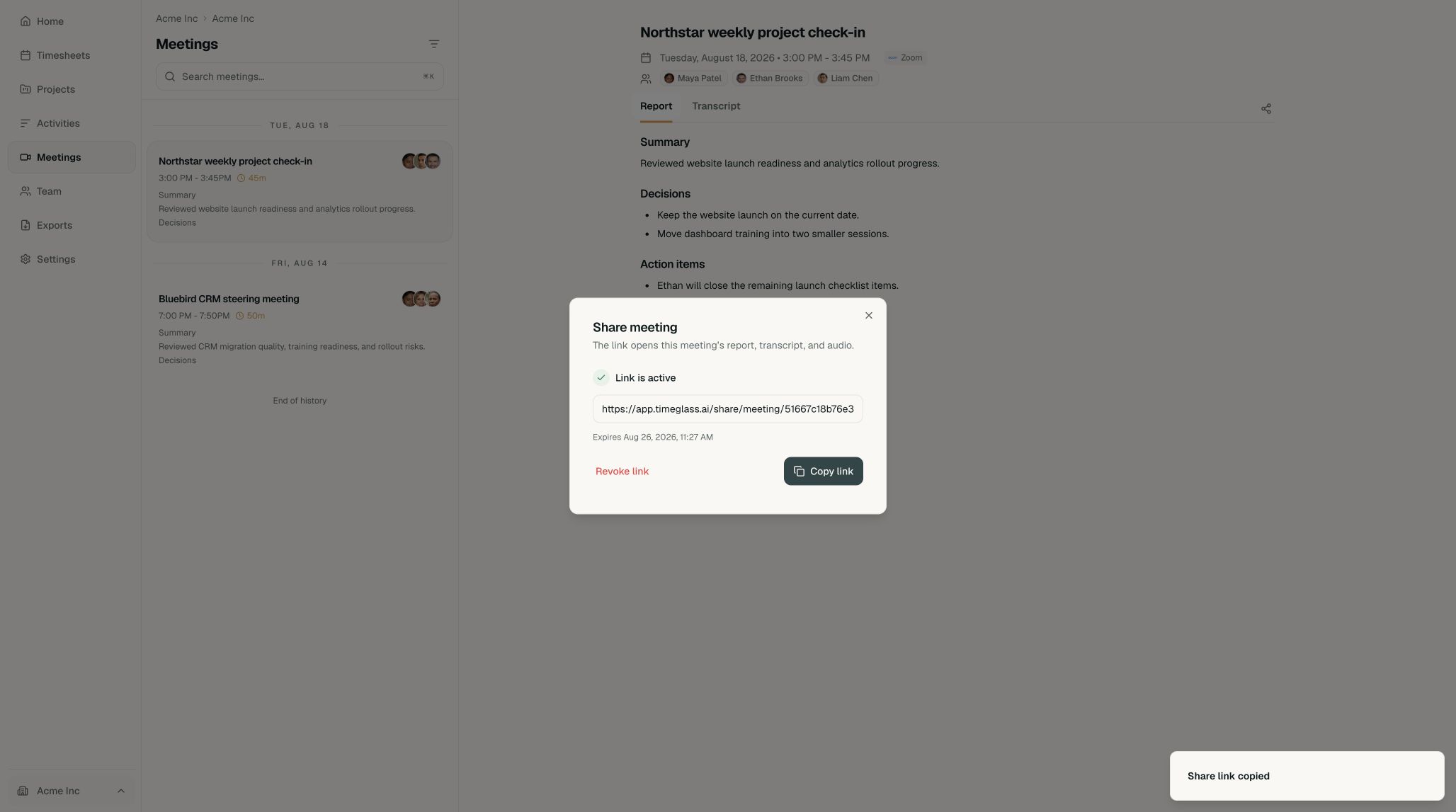
Anyone with the link can open the shared meeting until it expires or is revoked.
Stop sharing
Open the sharing dialog again and select Revoke link. The old URL stops working immediately.