Manual time tracking depends on people remembering to start and stop a timer, select a client and project, and write a description. If any of those steps is missed, the timesheet is incomplete.
Timeglass prepares the first draft automatically. Its desktop app reads the work on screen throughout the day, identifies the client, project, and task, and prepares entries for the person to review.
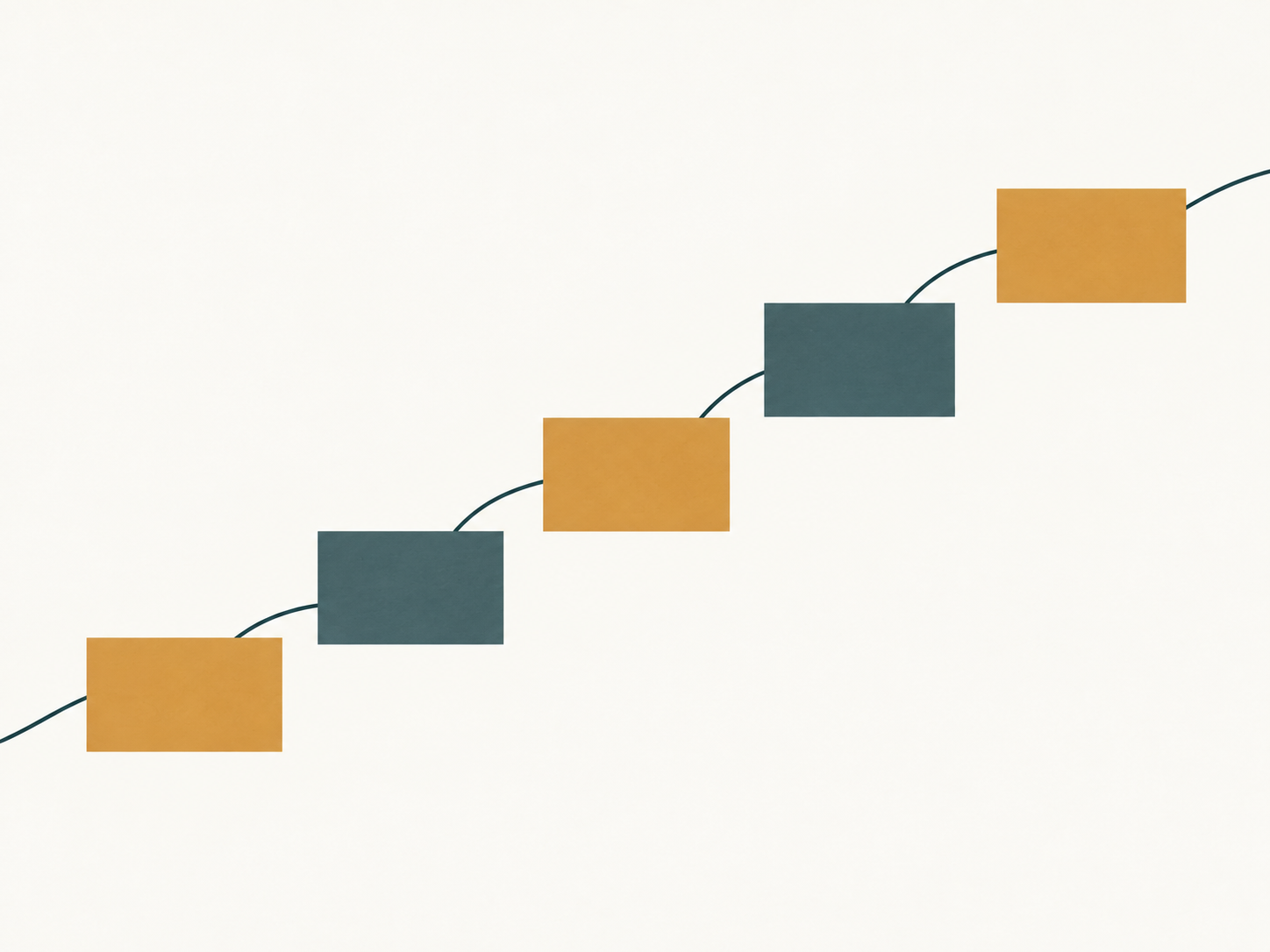
From notebook to pedometer to smartphone
Step counting used to be completely manual. If you wanted to know how far you had walked, you counted as you went and wrote it in a notebook: "Walked to the shop, 312 steps." It was about as convenient as it sounds.
Then came the pedometer, a little device you clipped to your trousers. It counted the steps for you, which was a genuine improvement, but only on the days you remembered to put it on. Leave it at home and the walk disappeared from the record.
Now the counter lives in your smartphone. You carry it anyway, so it measures the day without asking you to start anything, clip anything on, or remember that step counting exists. You check the total when you want it.
Most time tracking is still stuck in the first two stages. A manual timesheet is the notebook. A timer is the pedometer: it counts accurately, but only if you remember to start it, stop it, and assign it to the right project.
Timeglass is designed to work more like the smartphone. It runs while you work and prepares the record without asking you to maintain a separate habit. Work needs more context than a step count, so Timeglass reads the client, project, task, and duration from the work on screen, then leaves the finished draft with the person who did it.
How Timeglass creates the draft
Timeglass uses the work visible on screen to understand what someone is doing. It can use the client name, project information, and task details that are present while the work is in progress.
It turns that information into draft timesheet entries with a duration and description. The worker can correct the client or project, rewrite the description, change the duration, or remove an entry.
Timeglass does not submit the draft automatically. The person who did the work reviews and approves it before it becomes part of the firm's time record.
What the worker controls
Captured activity remains private until the worker reviews and releases it. Managers receive the approved time record, not a live feed of screens, applications, or activity.
Workers can pause capture at any time. They can also exclude specific applications, websites, or displays before using Timeglass for work.
Workspace retention settings determine how long captured data is kept. Once that period ends, Timeglass deletes it automatically.
The security page explains how capture, access, review, and retention work.
A complete draft is easier to review
A timer makes the worker create the record during the day or reconstruct it later. Timeglass gives the worker entries drafted from the work on screen.
This makes it less likely that work will be left out because a timer was not running. It also gives the reviewer a description tied to the work that was visible at the time.
See how Timeglass captures work and prepares a timesheet for review.
Common Questions
FAQ
What is passive time tracking?
Passive time tracking records work in the background without requiring someone to start and stop a timer. Timeglass reads the work on screen and prepares draft entries for the worker to review.
Is passive time tracking the same as employee monitoring?
No. Timeglass keeps captured activity private until the worker reviews and releases it. Managers receive approved time records and do not receive a live activity feed.
Can I stop passive tracking from recording certain things?
Yes. Workers can pause capture and exclude specific applications, websites, or displays. Workspace settings also control how long captured data is retained.
Why is passive tracking more accurate than a timer?
Timers depend on someone starting, stopping, and assigning them correctly. Passive tracking prepares entries from work as it happens, then asks the worker to check and approve the draft.