Settings & admin
Configure timesheet flags
Set adjustment and daily-total thresholds for review.
Set the adjustment and daily-total thresholds that send a timesheet to review.
- Open Timesheet FlagsGo to Settings → Timesheets and scroll to Timesheet Flags.
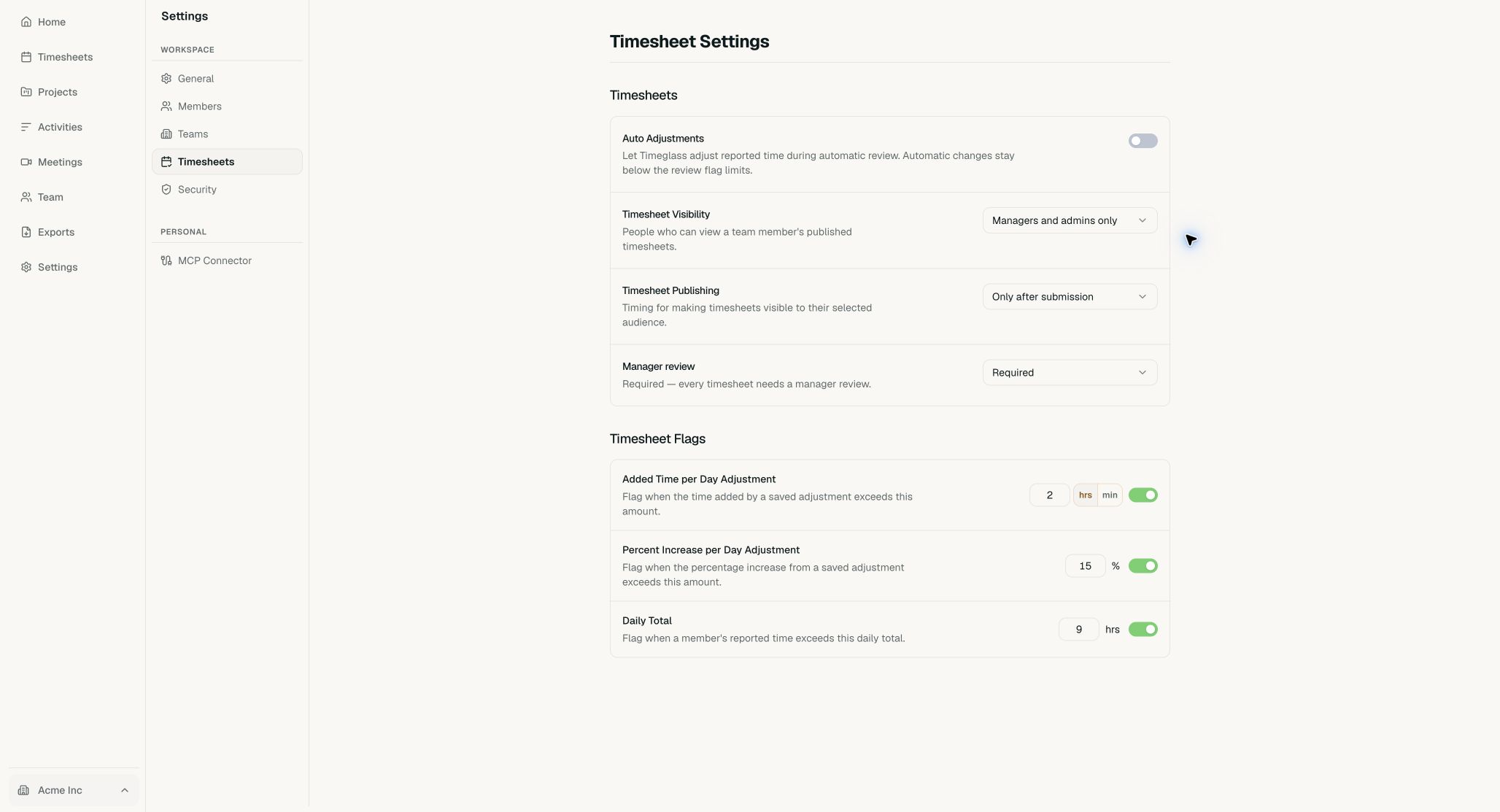
Each flag has its own value and on-off switch. - Set the thresholdsEnter the limit for added time, percentage increase, and daily total. Choose hours or minutes for added time, then use each switch to turn that flag on or off.
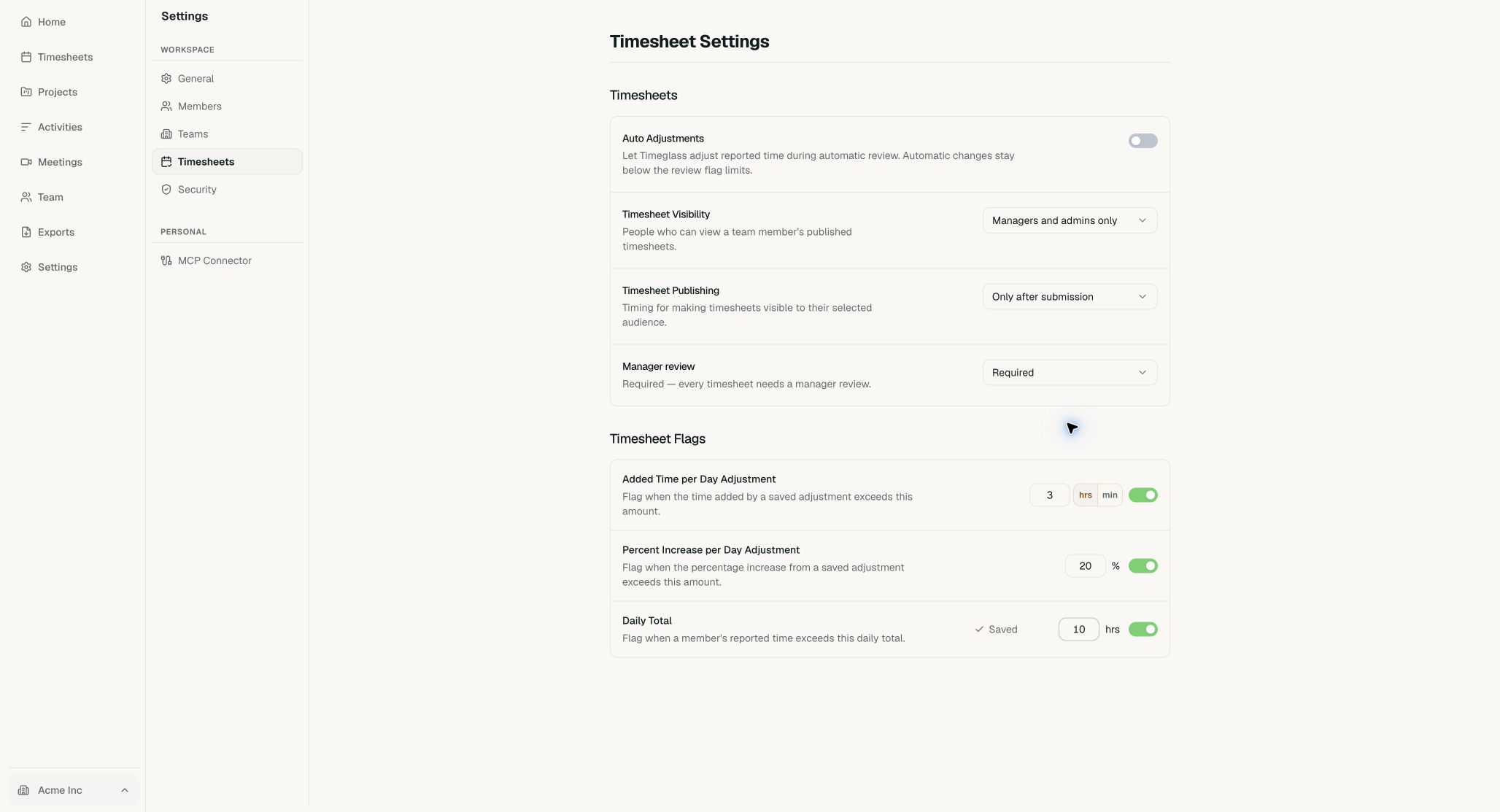
Use limits that match a normal workday and your team’s review policy.